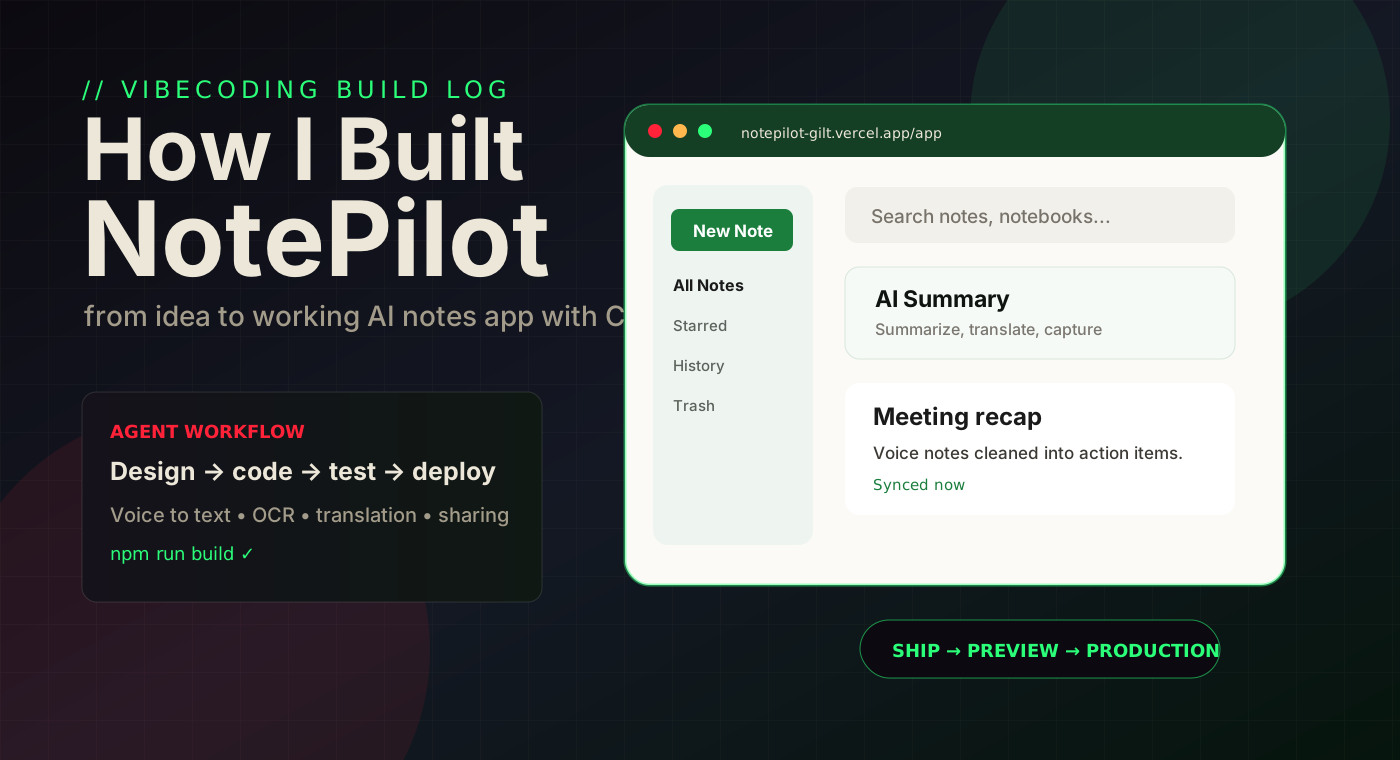
NotePilot started as a full UI design sitting in a folder on my laptop. The goal was simple but ambitious: turn that design into a real production notes app with login, autosave, sync, AI tools, voice transcription, OCR, translation, sharing, and a mobile-friendly experience.
This post is about how I vibecoded it: not by writing a giant specification first, and not by pretending AI can magically read my mind, but by working in a fast loop of product direction, code implementation, testing, feedback, and refinement.
The best part was not just that the app got built. It was seeing how the way I build software changed while building it.
The Starting Point
I already had the design direction: a clean green-and-white productivity app called NotePilot. It had a pre-login journey, a post-login dashboard, a note editor, left navigation, right-side note actions, and a professional notes workflow.
But a design is not a product. The real work was turning the screens into behavior:
- Users needed to create accounts and log in with Google or email.
- Notes needed to save to the cloud and survive reloads.
- Offline mode needed to feel predictable, not confusing.
- The editor needed to behave like a normal writing tool.
- AI features had to be useful, not decorative placeholders.
"Vibecoding worked best when I treated AI like a fast product engineer: powerful, useful, but still needing clear direction and constant review."
// My biggest shift in mindsetThe Build Process
The project moved in layers. First, I asked for the production MVP plan. Then the app was scaffolded with a Next.js frontend, Vercel deployment, and Supabase backend. After that, the work became a very practical cycle: try the app, notice the friction, explain the expected behavior, implement, test, repeat.
That loop touched almost every part of the product. The sidebar went from placeholder links to real All Notes, Starred, History, Trash, and Notebooks. The editor gained save, share, tables, image attachment, links, version history, and better mobile layout. Then the right-side Note Actions became the home for AI Summary, Voice to Text, Translation, Image/PDF to Text, and Screen Clipper.
// The real workflow
I did not ask AI to "build a notes app" once and walk away. I drove the product through dozens of small decisions: button size, status wording, sync behavior, mobile sharing, email login, Google Cloud setup, and the exact feeling of the editor.
The NotePilot Tool Stack
Next.js + Vercel
The frontend runs as a modern web app with production and preview deployments, App Router routes, and a fast iteration loop.
Supabase
Authentication, user accounts, notes, notebooks, history, trash, and cloud persistence sit behind Supabase and row-level security.
Rich Note Editor
The editor supports rich text, Markdown mode, tables, links, image insertion, save status, and branded PDF/HTML sharing.
AI Summary
Long notes can be summarized into cleaner, more readable output directly inside the note workflow.
Voice to Text
Deepgram powers live transcription with punctuation, numerals, keyterm prompting, and speaker diarization options.
OCR + Translation
Google Cloud handles image/PDF text extraction and translation, turning screenshots and highlighted text into useful note content.
Try NotePilot Live
NotePilot is live and free to use. Create an account, write your first note, and explore the AI tools — voice transcription, image capture, translation, and summary are all there.
// your feedback matters
I am actively improving NotePilot and would love to hear what you think. Try it out — does the editor feel right? Is anything confusing or broken? What feature would make it useful for your workflow? Drop a comment below or reach me at kkblog@keithblog.tech — every piece of feedback helps shape what gets built next.
What the Tool Can Do Now
NotePilot became more than a basic note-taking app. It now combines normal productivity behavior with AI capture and cleanup workflows:
- Fast note creation. A user can create a note, choose a notebook, and start writing without fighting the interface.
- Cloud-first saving. When online mode is active, autosave and manual save go to Supabase. When offline, edits stay local and sync later.
- Version history. Recent activities can be previewed and restored, which makes experimentation less scary.
- Screen and image capture. Users can clip a screen area or upload images/PDFs, then bring the content into the note.
- Voice-driven notes. Voice to text turns meetings, ideas, and spoken thoughts into editable writing.
- Branded sharing. Notes can be shared as branded PDF or non-editable HTML instead of plain raw text.
The Benefits of Vibecoding
The biggest benefit was speed, but speed alone is not the full story. The better benefit was momentum. Every time I noticed something wrong, I could describe the desired behavior and see it become real.
That changed the emotional feeling of building. Bugs were no longer a wall. They became a conversation. The product could evolve from "the delete button is too big" to "the sync status is confusing" to "the email signup message should reflect the real Supabase state" without losing the thread.
// What AI made easier
It helped convert rough product instincts into working code, then helped test the result. That matters because many product ideas die in the gap between "I know what I want" and "I can afford to build it."
What I Learned
The first lesson: AI is strongest when the builder has taste. The model can write code quickly, but I still had to decide what felt right for a real user. Small details like status text, mobile layout, note ordering, and modal behavior mattered more than I expected.
The second lesson: production apps are mostly integration reality. Supabase auth, Vercel environments, Google Cloud permissions, Deepgram keys, email confirmation, OAuth redirects, and row-level security are not glamorous, but they decide whether the app actually works.
The third lesson: placeholders are expensive. A placeholder AI panel, offline badge, or history view looks harmless at first, but users trust what the product says. If the interface says "synced", "summary", or "history", it needs to mean something real.
"Vibecoding is not autopilot. It is a faster steering wheel."
// The principle I am taking into the next appThe Bottom Line
NotePilot taught me that the new builder skill is not just coding. It is product direction plus technical review plus fast iteration. You need to know what you want, explain it clearly, inspect what changed, and keep shaping the product until it feels coherent.
That is why this project felt different. I was not just consuming an AI tool. I was building with it, correcting it, challenging it, and using it to turn a design into a real application.
The result is a working AI-powered notes app. The bigger result is a new way to build.
Back to Blog